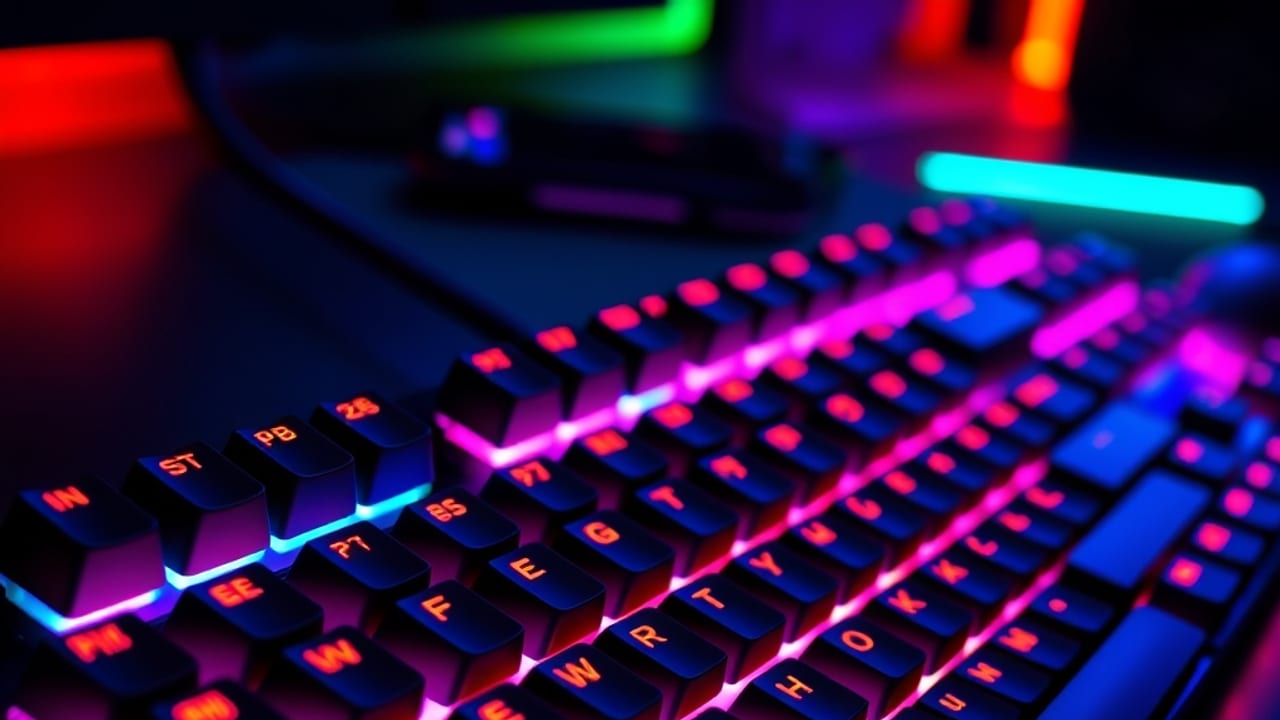
Is spending €200 on a gaming keyboard actually worth it? The keyboard ranks 6th in importance: what actually improves, when to upgrade, and what not to buy.
I have a Logitech G Pro TKL and I've been using it for 3 years — no upgrades, no desire to upgrade, nothing pushing me to upgrade. The QWER and ASD keys are worn down — you can see the use, not the age. The industry has tried to sell me five "next things" in these three years (Apex Pro, Wooting, custom switches, 8000 Hz polling rate, rapid trigger…) and here I am, still on the same board. Here's why, which trends I deliberately skipped, and when it WOULD make sense to switch — because I'm not that dogmatic about it.
My keyboard: Logitech G Pro TKL, chosen for work + gaming hybrid
I chose it 3 years ago because it covered two needs at once:
Work and programming: I need dedicated keys for arrows, Page Up/Down, End/Home. A 60% forces you to use modifier combos (Fn+key) and that, over the course of a day, is exhausting when you're coding or have Excel open.
Gaming: I need a solid keyboard, switches that don't fail, high polling rate, and one that physically stays close to the screen during long sessions.
Why TKL and not full size: the numpad on the right pushes the keyboard over and forces the mouse further left. For shooters with low sensitivity (arm movement, not wrist — see my mouse guide), that's a real space problem.
Why NOT 60%: here's an opinion that clashes with the esports purist crowd. The 60% is ideal for gaming only; a bad compromise for work + gaming. I had a Razer Huntsman Mini (60%) before and in-game it was comfortable. Outside of games, writing emails with arrow-Fn-W combos or using Excel with constant Page Down, it was a daily bottleneck. If your PC is gaming-only, go 60% or 65%. If you work on it too, TKL is the sweet spot.
Three years in: QWER and ASD worn, everything else perfect
. Not a single stuck key, no accidental double-presses, no cable issues. The only thing you notice: the most-used keys —
QWER and ASD
— have worn lettering. The letters are fading because I press them a lot, and often.
Is this a functional problem? No. I know where the keys are; I touch-type and never look at the keyboard during a match. Aesthetic issue? Maybe a little. A reason to replace the keyboard? Zero. When the wear doesn't bother you and the switch still responds exactly like day one, the keyboard is still the same keyboard.
Maintenance I do: compressed air every 2-3 months, damp cloth when dust builds up between keycaps. I haven't replaced a single switch, haven't lubed anything, haven't swapped keycaps. Basic cleaning and done.
The nuanced take: the player makes the difference, but optical sensors DO give SOMETHING
Here's the nuance I think matters and that some "anti-marketing" guides skip over: keyboards with optical sensors do give a small advantage over classic mechanicals. Actuation latency is lower, false triggers (chattering) are nonexistent, and debounce isn't a factor. That's real.
The thing is, that advantage is small compared to what actually moves the needle: your mouse, your monitor, your internet, your sensitivity, your practice. The bottleneck for climbing rank is the player, not the keyboard.
To give you an idea of the order of importance in competitive gaming:
1. The player (practice, game knowledge, decision-making under pressure). Top. 2. The mouse (weight, shape, sensor — see DPI and eDPI). 3. The monitor (refresh rate, panel latency). 4. The connection (see reducing ping). 5. The system and drivers (see Windows 11). 6. The keyboard.
The keyboard sits at number six. Switching from mechanical to optical or Hall Effect can get you 2-3 ms of input lag improvement. Compared to a poorly chosen mouse (tens of ms) or a 60 Hz monitor (tens of ms), that's noise.
Trends I deliberately passed on: Apex Pro TKL and Wooting
In these 3 years the esports community has gone crazy over two keyboards specifically:
SteelSeries Apex Pro TKL: the one EVERYONE had 2 years ago. OmniPoint switches with adjustable actuation point (you can set the key to "activate" at 0.4 mm or 4 mm of travel). Pro marketing: "your Q in Valorant fires before your opponent's." Reality: in 99% of duels, the 2-3 ms a fast actuation point might give you aren't what wins the fight. If you were top 500 in Valorant, you'd notice it. If you're Silver through Diamond (like most people), it's invisible.
Wooting 60HE / 80HE: the next level. Hall Effect + rapid trigger (the key activates on press and deactivates on release instantly, with no "dead zone" in between). For counter-strafing in CS2 it's a measurable advantage. How much? Serious estimates: 3-5 ms. Is €200 worth 3-5 ms if your monitor is 144 Hz and your ping is 35 ms? No.
I have friends with Wootings, I've tried them in actual games. The feel is different (lighter, more "direct"), but the performance improvement hasn't shown up in their ELO. That tells me more than any review.
When it IS worth upgrading (the honest answer)
So I don't come across as "it's all marketing," here are the cases where upgrading your keyboard actually makes sense:
When your current keyboard breaks. Obvious.
When you're going to stream and the switch is noisy for the mic. Switching to linear switches (Cherry Red, GX Red, lubed switches) improves the audio for your audience.
When your current layout is physically hurting you (full size with no room for the mouse, 60% that bottlenecks you when coding). The ergonomic compromise is real.
When there's a generational leap, not an incremental one. Apex Pro and Wooting were NOT generational for me — they were iterations of "this is the next thing." If tomorrow a keyboard came out that changed the paradigm (switches that auto-calibrate to the game, Reflex integration…), I'd consider it.
If you reach pro level (top 0.1%) where 3 ms actually matter. Most of us reading this aren't there.
My next possible upgrade: custom or AJAZZ AK80 (when the time comes)
When the time comes — no rush, no obligation — I'm weighing two options:
A custom (Mode65, Glorious GMMK Pro, Keychron Q3): mechanical keyboard with your choice of switches, lubed, with keycaps that last. Upside: easily lasts another 5 years and you learn a lot in the process. Downside: €200-400 all in.
AJAZZ AK80: the custom-friendly Chinese option. Gasket mount, hot-swap, decent quality, €80-100. A solid entry point into the enthusiast world without full custom pricing.
What I'm NOT buying (for now): no Wooting, no Apex Pro, no "RGB premium" keyboard over €200. The performance-to-price ratio doesn't work out for me.
What NOT to buy if you haven't tried it first
Quick rundown of keyboard marketing that almost never pays off:
8000 Hz polling rate on a keyboard: if I already said 1000 Hz is more than enough for a mouse (see DPI and polling), on a keyboard it's even less relevant. Pure marketing.
Expensive custom switches (Holy Pandas, Zealios, etc.): they sound different, they feel different, you don't play differently. It's a keyboard hobby, not a gaming advantage.
Resident manufacturer software just for RGB: save your profiles to the keyboard's onboard memory and disable the software from auto-starting. Your CPU will thank you.
"Premium" braided paracord cables: the stock cable works fine. Switch to coiled or detachable if you like the look, not for performance.
"World's fastest keyboard" marketing claims: the difference between modern keyboards is 1-3 ms. There's no categorically "fastest" option; just different trade-offs.
Quick summary
My setup: Logitech G Pro TKL, 3 years without switching, QWER and ASD worn but working.
TKL > 60% if you work on the PC. If it's gaming-only, go 60% or 65%.
Keyboard importance in gaming: rank 6 — behind the player, mouse, monitor, connection, system.
Optical / Hall Effect sensors do give something — but small compared to everything else. 2-5 ms at best.
Apex Pro TKL and Wooting: effective marketing, real improvement but not proportional to the price.
Actually upgrade when: it breaks, the layout limits you, there's a real generational leap, or you're at pro level.
DON'T buy: 8000 Hz keyboard, custom switches just for aesthetics, software just for RGB, "gaming" premium cables.
If you take one thing away: before thinking about the keyboard, nail your mouse, monitor, connection, and practice. The keyboard is the last 10% of the puzzle, not the first.
Frequently Asked Questions
Is it worth buying a Wooting or Apex Pro for gaming?
The Wooting gives a measurable counter-strafing advantage in CS2 of around 3-5 ms, and the Apex Pro lets you adjust the actuation point. But if your monitor is 144 Hz and your ping is 35 ms, paying €200 for that improvement doesn't add up. Friends with Wootings haven't seen that advantage reflected in their ELO.
What matters more in competitive gaming: the mouse or the keyboard?
The keyboard is the sixth factor in importance, behind the player, the mouse, the monitor, internet connection, and the system. Switching from mechanical to optical gives 2-3 ms of input lag improvement, while a 60 Hz monitor or a poorly chosen mouse means tens of ms of difference.
TKL or 60% keyboard for gaming: which to choose?
The 60% is ideal if the PC is gaming-only, but it's a bad compromise if you also work on it — arrow keys via Fn combos or constant Page Down in Excel are a daily bottleneck. TKL is the sweet spot for hybrid use: you keep the arrow and navigation keys without the numpad that pushes your mouse out of position.
When is it actually worth upgrading your gaming keyboard?
It's worth upgrading when the keyboard breaks, when the current layout hurts you ergonomically, if you're going to stream and the switch is noisy on the mic, or if a real generational leap came along. Visually worn keycaps aren't a reason to upgrade if the switch still responds the same way.